 Best Seller
Buying guide · Electronics
Best USB-C Hub Adapters for MacBook
Amazon data as of Nov 19, 2026. Updated Nov 19, 2026.
As an Amazon Associate Everacity earns from qualifying purchases. Affiliate disclosure
Choose the right USB-C hub for your MacBook by comparing port types, transfer speeds, and monitor support based on Amazon listing data.
Shoppers looking to expand their MacBook connectivity are choosing between compact travel dongles, dual-display adapters, and high-speed data hubs. The Hiearcool 7-in-1 adapter suits users needing a basic mix of 4K HDMI and SD card reading for travel, while the UGREEN Revodok Pro 6-in-1 and 9-in-1 models offer specific upgrades like 10Gbps speeds or Gigabit Ethernet. For a flush fit without cables, the 8-in-2 Mac Multiport Adapter is designed specifically to snap directly onto the side of recent MacBooks.
Our guide uses Amazon customer rating data and sales volume to help you compare these options. The Hiearcool hub carries the Everacity Top ranked tag, which is the site's own label indicating it ranks first among these picks based on Amazon star rating multiplied by the number of ratings, with best-seller rank breaking ties. Whether you need a simple USB splitter like the Aluminum 7-Port Hub or a versatile desktop option like the Acer 8-in-1, this guide breaks down the stated specs and compatibility notes to help you find the right fit.
How this list was made: 6 products ranked by Amazon star rating multiplied by number of ratings, with Amazon best-seller rank breaking ties among products whose Amazon title or listing mentions 'macbook', 'mac' in its title, from Amazon data captured Jul 24, 2026. Nobody at Everacity tested these products; placement cannot be bought. Prices show only when captured in the last 48 hours. How we rank.
The picks
- See price on AmazonBest Seller
#1 · Top ranked
For travelers needing a basic 7-in-1 port expansion
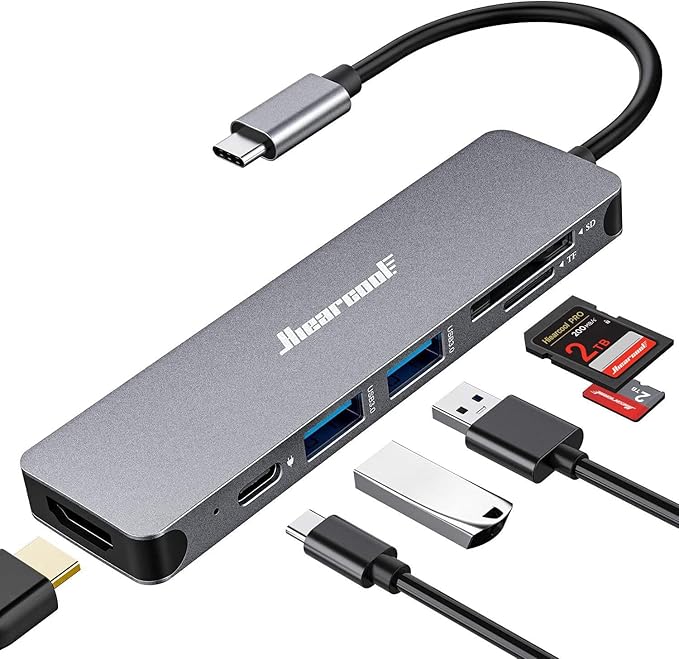
Earning 4.6 out of 5 stars from 51,692 Amazon ratings, this Hiearcool 7-in-1 adapter holds the Everacity Top ranked tag, meaning it is the first of these picks under the site's ranking rule. Amazon data from July 2026 shows over 7,000 units bought in the past month.
The manufacturer notes that this space grey dongle provides 4K HDMI at 30Hz, 100W PD pass-through charging, USB 3.0 ports with 5Gbps speeds, and SD/TF card slots. According to the listing, the aluminum build aids heat dissipation, making it suitable for office work or business travel.
- See price on Amazon
 Best Seller
#2
For users requiring dual 10Gbps USB-C data ports
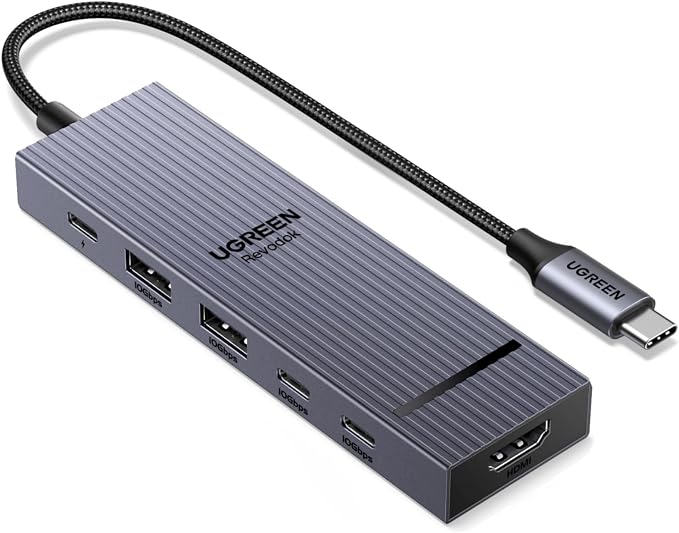
This UGREEN Revodok Pro 6-in-1 dock has 4.5 out of 5 stars from 6,558 Amazon ratings, with over 5,000 recent monthly purchases noted in July 2026.
Product details indicate it focuses on faster peripheral connections, offering two 10Gbps USB-C 3.2 Gen 2 ports and two 10Gbps USB-A ports. The item description adds that it supports a 4K 60Hz HDMI output and 100W Power Delivery, allowing multiple ports to operate simultaneously for laptops like the MacBook Pro and Air.
- See price on Amazon
 Best Seller
#3
For shoppers needing multiple USB data ports without charging
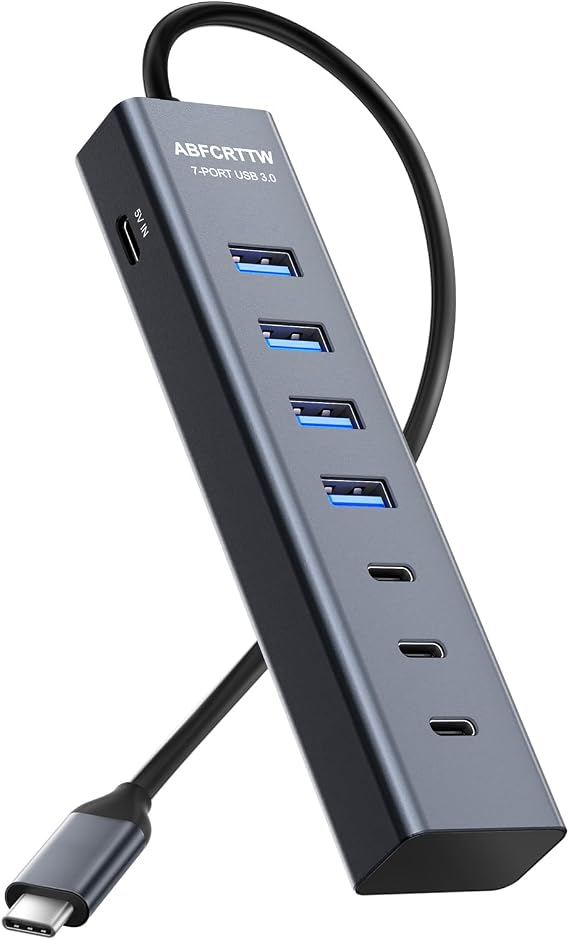
With 4.5 out of 5 stars from 2,039 Amazon ratings and over 500 bought in the past month as of July 2026, this hub is built strictly for peripheral expansion.
A prominent warning in the listing states that this device only supports data transmission, not charging. It features a 1-foot cable and a 15W Type-C port designed to supply stable power to high-performance connected devices like external drives. The specifications highlight a dual-chip processor and USB 3.0 transfer rates up to 5Gbps.
- See price on Amazon
 Best Seller
#4
For desk setups requiring a wired Gigabit Ethernet connection
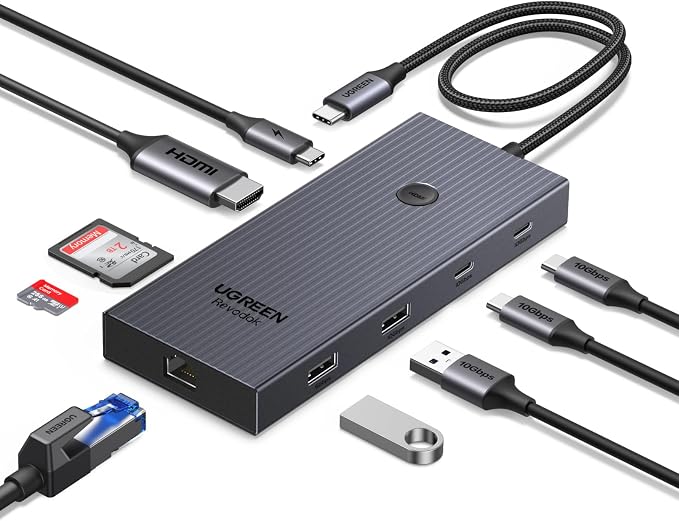
The UGREEN Revodok Pro 9-in-1 adapter received 4.5 out of 5 stars from 1,413 Amazon ratings, and Amazon shows over 1,000 bought in the previous month.
According to the product bullets, this model adds a Gigabit RJ45 Ethernet port supporting 1000Mbps alongside a 4K 60Hz HDMI connection and SD/TF card readers. While marketed with 100W PD fast charging, the listing clarifies that it only supports up to 85W of pass-through charging to the laptop, as 15W is reserved for the hub's other interface operations.
- See price on Amazon
 Best Seller
#5
For MacBook owners wanting a flush dual-port connection
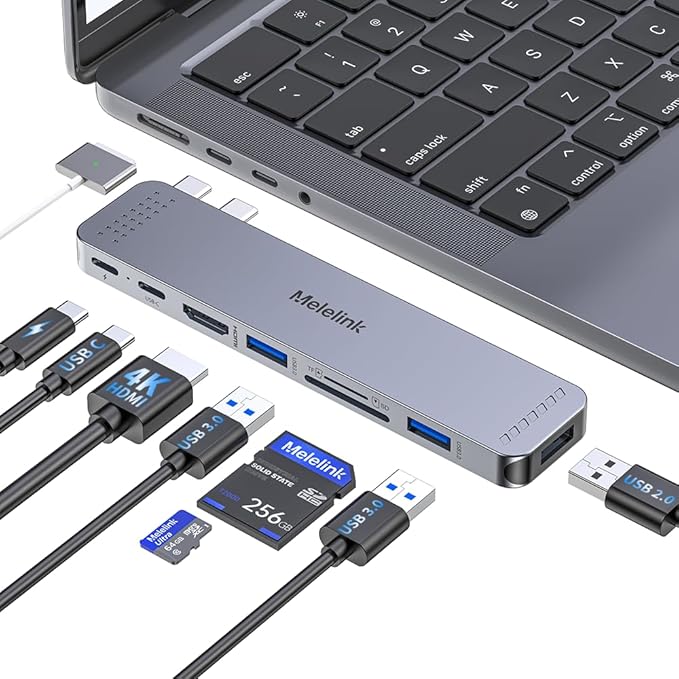
This 8-in-2 Mac Multiport Adapter holds 4.5 out of 5 stars from 1,118 Amazon ratings. July 2026 data indicates over 1,000 units were bought in the past month.
Plugging directly into two side-by-side ports, the listing explains it is designed specifically for 13-inch to 16-inch MacBook Pros (2016-2026) and MacBook Airs (2018-2026). It features Thunderbolt 3 data transfer up to 40Gbps and 5K 60Hz display support. The manufacturer notes the hub will not fit if the MacBook has a bottom case attached, and M1 chips do not support dual external monitors.
- See price on Amazon
 Best Seller
#6
For users who need dedicated 10Gbps ports and SD readers
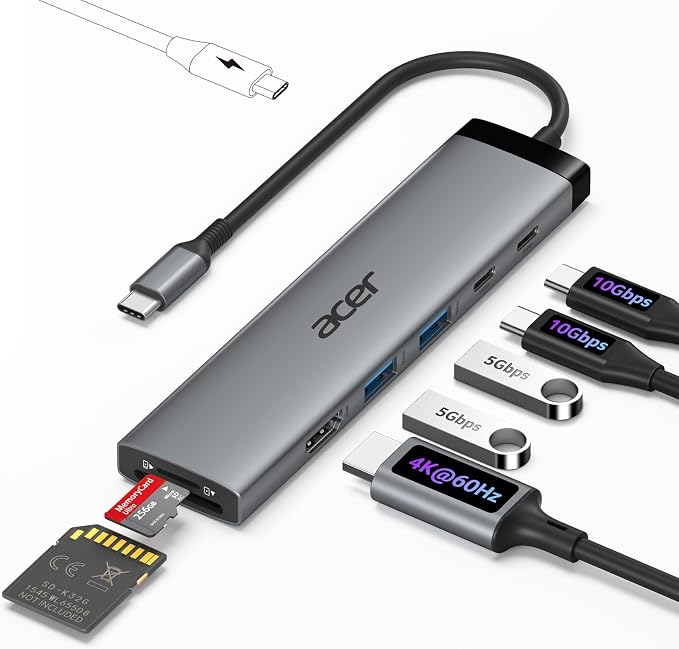
The Acer 8-in-1 hub has 4.5 out of 5 stars from 358 Amazon ratings, with more than 500 units purchased in the past month according to July 2026 data.
Product details outline an array of connections including 4K 60Hz HDMI, two 10Gbps USB-C ports, and two 5Gbps USB-A ports. The listing explicitly states that the 100W PD port is completely separate from the data ports, as the 10Gbps USB-C and 5Gbps USB-A ports only support data transfer and do not support charging or video output.
What to Check Before Buying a MacBook USB-C Hub
- Check power delivery limits: Some hubs reserve wattage for their own operation. For example, the UGREEN Revodok Pro 9-in-1 advertises 100W PD charging but specifies it only passes 85W to the laptop.
- Look for data-only port restrictions: Do not assume every USB-C port handles video or power. The Aluminium 7-Port Adapter strictly transmits data without charging the host, and the Acer 8-in-1 separates its 100W PD port entirely from its non-charging data ports.
- Verify physical fit requirements: Flush-mount hubs that plug directly into the side of the laptop often have clearance issues. The 8-in-2 Mac Multiport Adapter listing explicitly warns that it will not fit if your MacBook has a bottom protective case.
- Confirm monitor support for your specific chip: Apple's M1 processors have display limitations. The 8-in-2 Mac Multiport Adapter notes that M1 chips do not support two external monitors, resulting in a black screen on the second display.
Questions
Can I use a USB-C hub to charge my laptop while transferring files?
It depends on the model. Hubs with dedicated Power Delivery (PD) pass-through ports, like the Hiearcool 7-in-1, allow you to plug your laptop charger into the hub. However, other models like the Aluminium 7-Port Adapter are data-only and cannot charge the host laptop.
Will a dual-connector hub fit if my MacBook has a protective case?
Usually not. Adapters designed to plug flush into two adjacent USB-C ports require direct contact with the laptop's body. Product listings for flush models, such as the 8-in-2 Mac Multiport Adapter, often state they will not fit if there is a case on the bottom of the MacBook.
Do the USB-C data ports on these hubs support external monitors?
Most secondary USB-C ports on these multi-port docks are strictly for data transfer up to 5Gbps or 10Gbps. As noted in the Acer 8-in-1 listing, the USB-C data ports do not support video or audio output; video transmission requires using the dedicated HDMI or Thunderbolt ports.