 Best Seller
Buying guide · Office Products
Best Dual Monitor Mounts for Your Desk
Amazon data as of Nov 19, 2026. Updated Nov 20, 2026.
As an Amazon Associate Everacity earns from qualifying purchases. Affiliate disclosure
Choose a secure dual monitor arm that fits your screen size and desk type.
Shoppers looking for a dual monitor mount need to match their screen size and weight to the right desk arm. Listings show options for smaller 13-inch displays up to larger 35-inch screens. Desk compatibility is also a key factor, with many mounts requiring solid wooden or metal surfaces rather than glass.
The choices below suit different setups based on Amazon data and listing specifications. Some mounts offer extra height extensions for taller users, while others feature gas spring or mechanical spring mechanisms for frequent adjustments. Shoppers can also find tool-free VESA plates to simplify installation.
How this list was made: 10 products ranked by Amazon star rating multiplied by number of ratings, with Amazon best-seller rank breaking ties among products whose Amazon title or listing mentions 'dual' in its title, from Amazon data captured Jul 24, 2026 to Nov 19, 2026. Nobody at Everacity tested these products; placement cannot be bought. Prices show only when captured in the last 48 hours. How we rank.
The picks
- See price on AmazonBest Seller
#1 · Top ranked
For dual screens from 13 to 30 inches
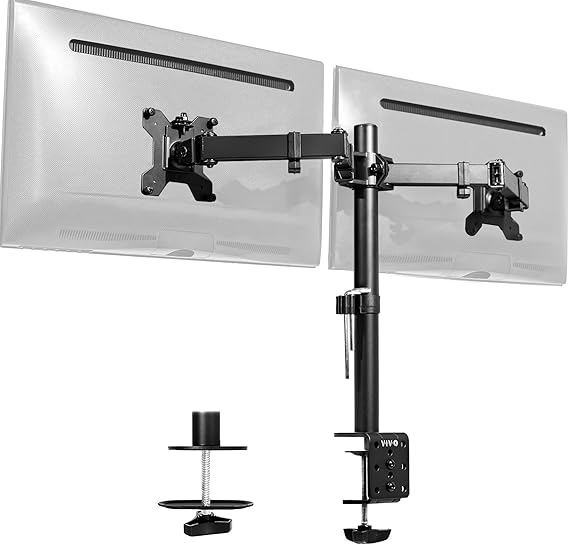
The listing says this VIVO mount fits two screens ranging from 13 to 30 inches, supporting up to 22 lbs each. It mounts to desks up to 3.25 inches thick using a C-clamp or optional grommet mount. Features include cable management clips along the arms and center pole.
This model holds the Everacity Top ranked tag, meaning it is the first of these picks under the guide's ranking rule. Amazon data shows it has 4.6 out of 5 stars from 61,070 Amazon ratings, with 5K+ bought in past month.
 Black Friday DealShop on Amazon$47.49List:
$69.99Price as of Nov 26, 2026, 8:00 AM UTC Details#2
For wooden desks and 13 to 27 inch monitors
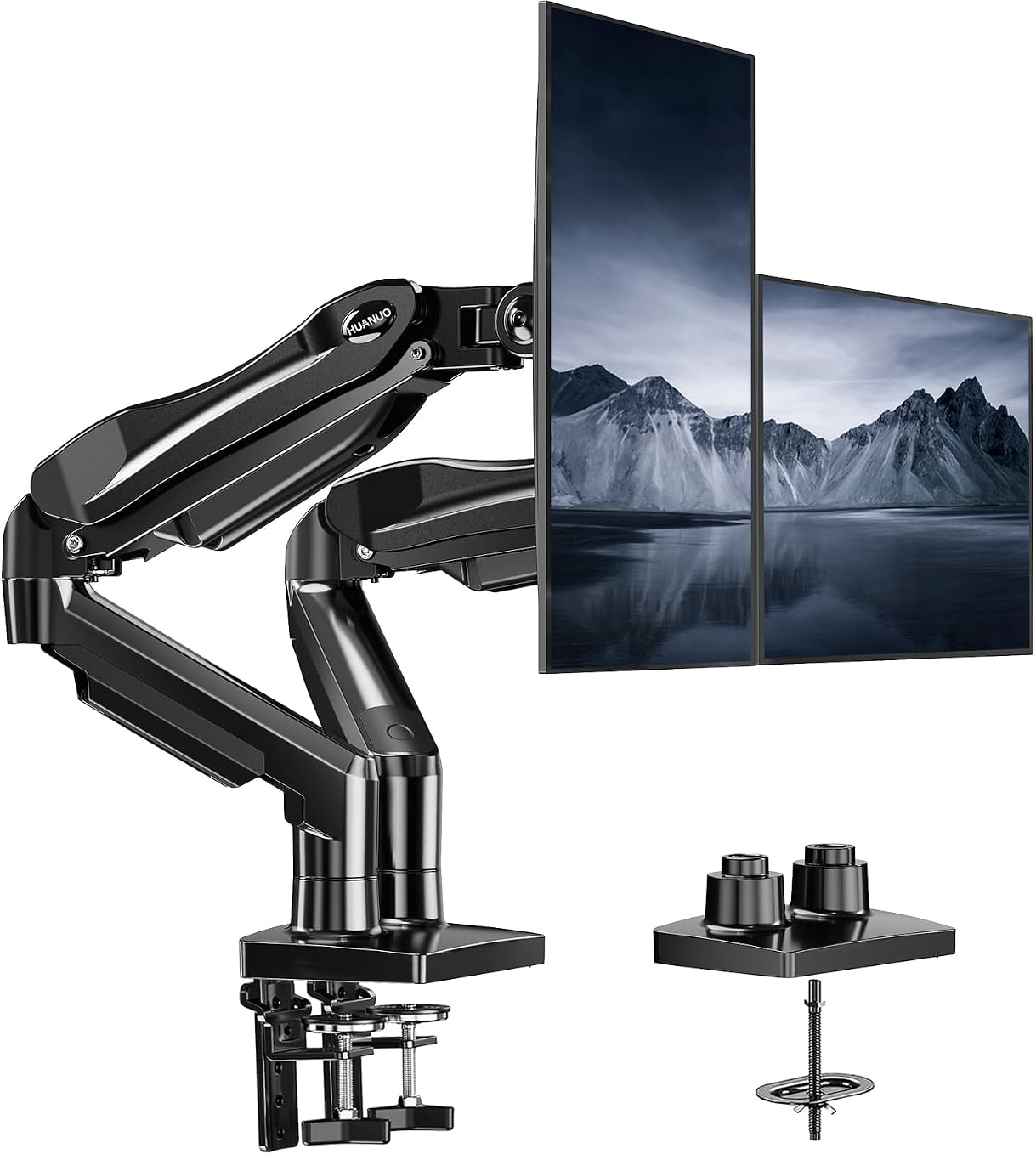
According to the listing, this HUANUO mount is compatible with 13 to 27 inch computer screens weighing 4.4 to 19.8 lbs. The listing states it should only be used on wooden desks with a thickness between 0.59 and 3.54 inches, and warns against plastic or glass surfaces.
It uses a dual C-clamp structure to secure the arms to the desktop. Amazon customer ratings give it 4.6 out of 5 stars from 35,028 ratings. Amazon shows 500+ bought in past month.
 Black Friday DealShop on Amazon$55.09List:
$69.99Price as of Nov 26, 2026, 8:00 AM UTC Details#3 · Most bought last month
For 13 to 32 inch gaming screens
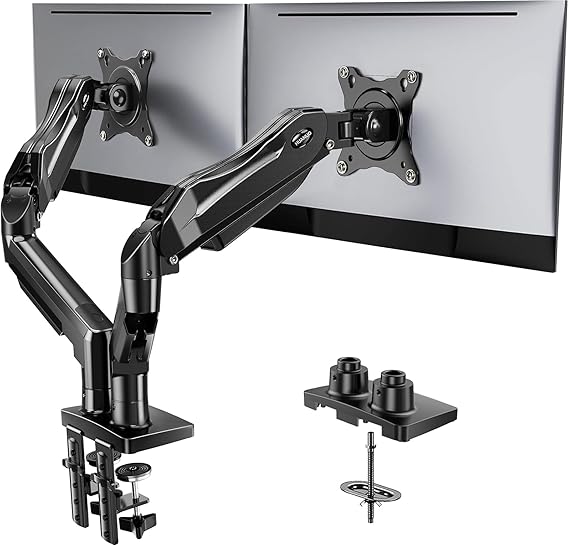
The listing for the HUANUO FlowLift says it supports 13 to 32 inch computer screens that weigh between 4.4 and 19.8 lbs. It includes a built-in cable management system to guide wires along the arms. This stand carries the Everacity Most bought last month tag, which indicates it has the highest bought in past month figure among these picks.
It holds 4.6 out of 5 stars from 35,028 Amazon ratings, and Amazon shows 10K+ bought in past month.
- See price on Amazon
 Best Seller
#4
For screens up to 32 inches and 22 lbs
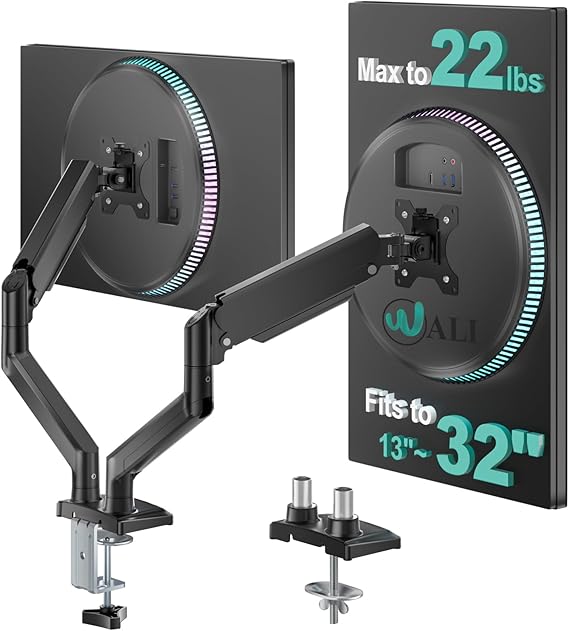
The WALI listing states this monitor arm fits flat or curved screens up to 32 inches with a maximum load capacity of 22 lbs per arm. It offers a C-clamp or grommet base for desks measuring 0.39 to 2.76 inches thick.
The listing notes the arm extends out by 19.3 inches and raises up to 17.3 inches above the desktop. Amazon data shows it earned 4.4 out of 5 stars from 17,851 Amazon ratings, and 1K+ bought in past month.
- See price on Amazon
 Best Seller
#5
For users needing extra monitor height
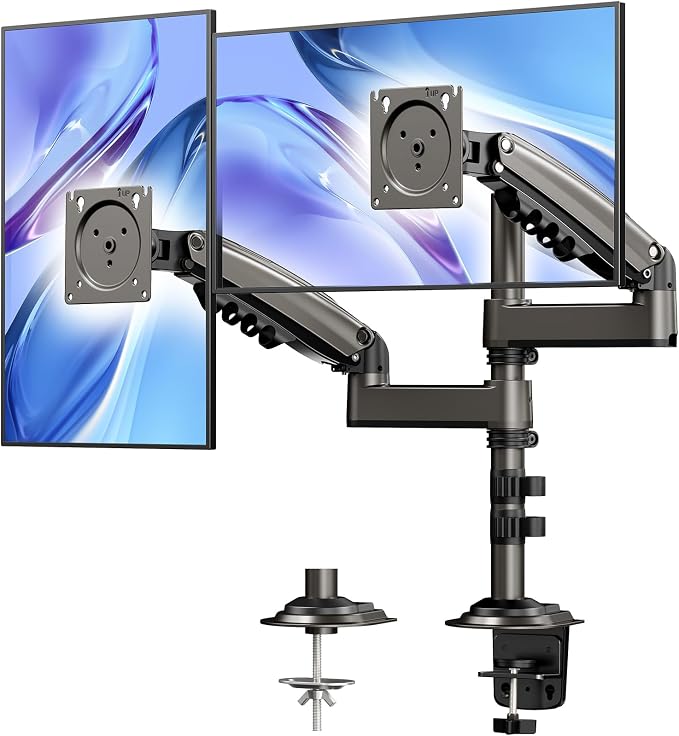
This HUANUO vertical mount includes an additional 17-inch extension, which the listing says elevates monitors up to 25.19 inches. It accommodates 17 to 32 inch screens weighing between 4.4 and 19.8 lbs.
The listing specifies it is suitable for solid wood or metal desks between 0.39 and 3.54 inches thick, but not for glass desks. It has 4.6 out of 5 stars from 10,844 Amazon ratings. Amazon shows 1K+ bought in past month.
 Best SellerShop on Amazon$39.99List:
$49.99Price as of Nov 26, 2026, 8:00 AM UTC Details#6
For shoppers seeking tool-free VESA mounting
The listing says the ErGear dual arm features an upgraded VESA plate that allows for tool-free installation. It supports 13 to 32 inch screens ranging from 4.84 to 19.8 lbs. The listing notes it offers height adjustments up to 17.5 inches and extends up to 18.1 inches.
Amazon customer ratings give this product 4.5 out of 5 stars from 6,746 Amazon ratings, with 2K+ bought in past month.
- See price on Amazon
 Best Seller
#7
For desks measuring 0.39 to 1.97 inches thick
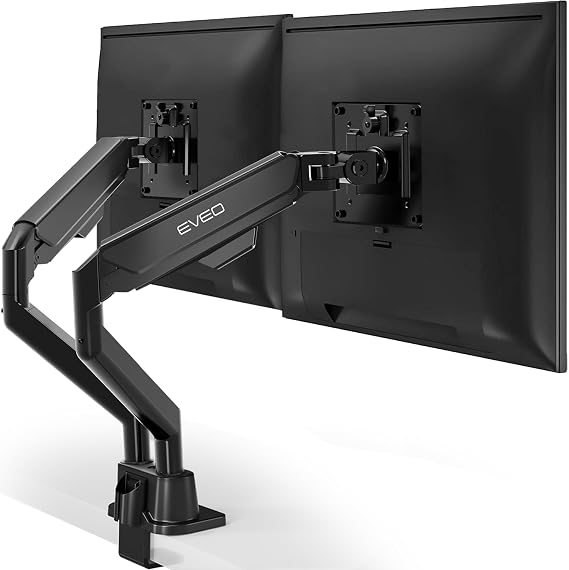
According to the listing, the EVEO gas spring dual monitor stand fits 14 to 32 inch screens. It can be installed using a desk clamp on surfaces 0.39 to 1.97 inches thick, or a grommet mount for desks up to 1.56 inches thick.
The listing indicates it provides 360-degree rotation and swivel capabilities. It holds 4.5 out of 5 stars from 5,092 Amazon ratings, and Amazon shows 200+ bought in past month.
 Black Friday DealShop on Amazon$43.99List:
$59.99Price as of Nov 26, 2026, 8:00 AM UTC Details#8
For users wanting mechanical spring monitor adjustment
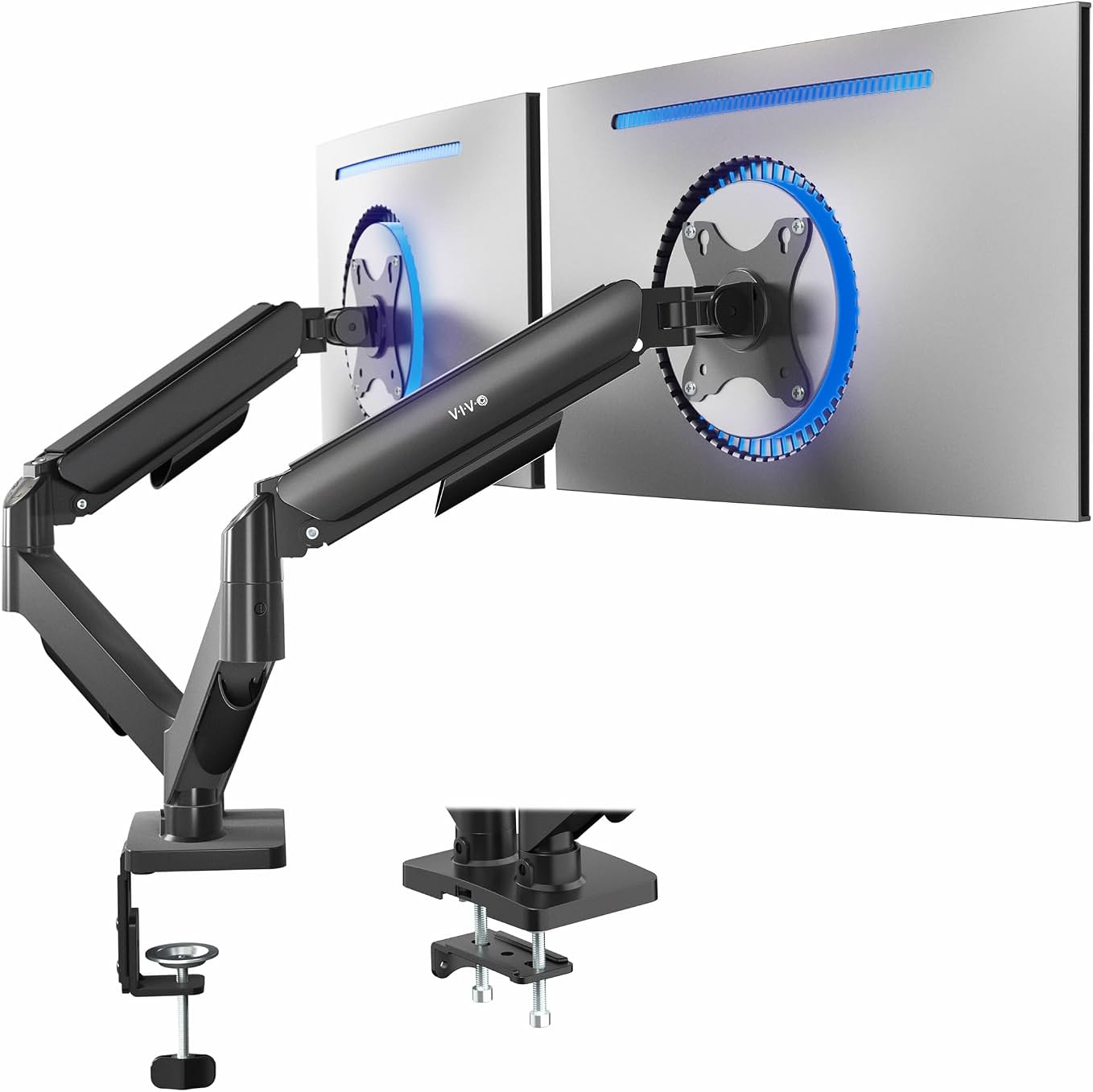
The VIVO AeroPoise listing highlights a mechanical spring adjustment that allows for toolless monitor placement. It fits 17 to 32 inch flat and curved screens weighing from 4.4 to 19.8 lbs each.
The listing advises that the back of the arms will extend past the edge of the desk. Amazon data shows 4.5 out of 5 stars from 3,004 Amazon ratings. Amazon shows 2K+ bought in past month.
- See price on Amazon
 Best Seller
#9
For shoppers wanting aluminum alloy monitor support
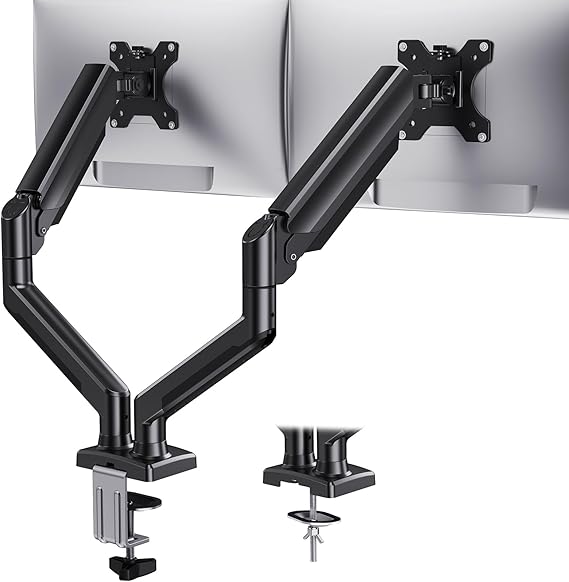
The listing for this HUANUO dual monitor mount says it is crafted with aerospace-grade aluminum alloy and supports up to 22 lbs on each arm. It fits 17 to 32 inch monitors and features tension adjustments to raise the arms up to 17.5 inches above the desktop.
The listing notes it accommodates C-clamp mounting for desks with 0.39 to 2.56 inches of thickness. It has 4.6 out of 5 stars from 911 Amazon ratings, and Amazon shows 1K+ bought in past month.
- See price on Amazon
 Best Seller
#10
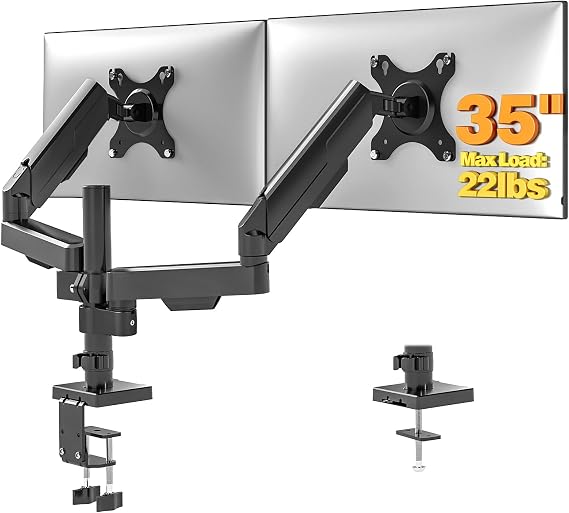
For large screens up to 35 inches
This unbranded Dual Monitor Stand supports flat and curved screens from 17 to 35 inches, according to the listing. It holds up to 22 lbs per arm and includes detachable cable clips on the arms and center pole.
The listing states it provides a hold on desks up to 3.1 inches thick using a C-clamp or grommet base. Amazon data shows it has 4.8 out of 5 stars from 6 Amazon ratings.
What to Check When Buying a Dual Monitor Mount
- Check your monitor size and weight to ensure they fall within the limits stated on the mount's listing.
- Verify the VESA mounting hole pattern on the back of your monitors, typically measuring 75x75mm or 100x100mm.
- Measure your desk thickness to confirm it is compatible with the mount's C-clamp or grommet hardware.
- Review the listing's desk material requirements, as many mounts advise against installation on glass or plastic surfaces.
Questions
Can I use a dual monitor mount on a glass desk?
Many dual monitor mount listings advise against using them on glass or plastic desks. Mounts that use heavy-duty C-clamps concentrate a lot of weight and pressure in a small area, which can damage fragile materials. Listings frequently recommend solid wooden or metal desks instead.
What is a VESA mounting pattern?
VESA is a standard measurement for the mounting holes on the back of a computer screen. Most dual monitor arms require screens to have a hole pitch of 75x75mm or 100x100mm. You will need to check your monitor's specifications to ensure it matches the bracket plates provided with the mount.
What is the difference between a C-clamp and a grommet mount?
A C-clamp attaches around the outside edge of your desk, securing the monitor arm without altering the furniture. A grommet mount requires a hole to be drilled through the desktop surface, allowing the mounting bolt to pass directly through. Many mounts include hardware for both installation options.